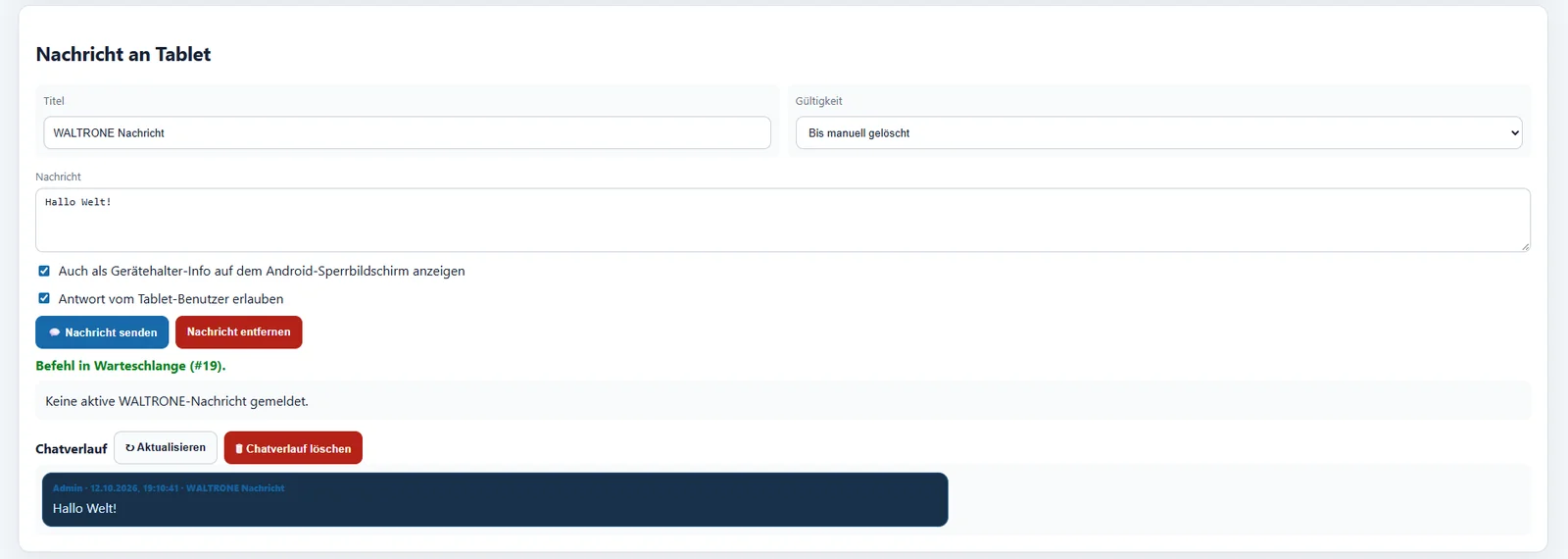
Messaging for tablets
Send messages from the central dashboard.
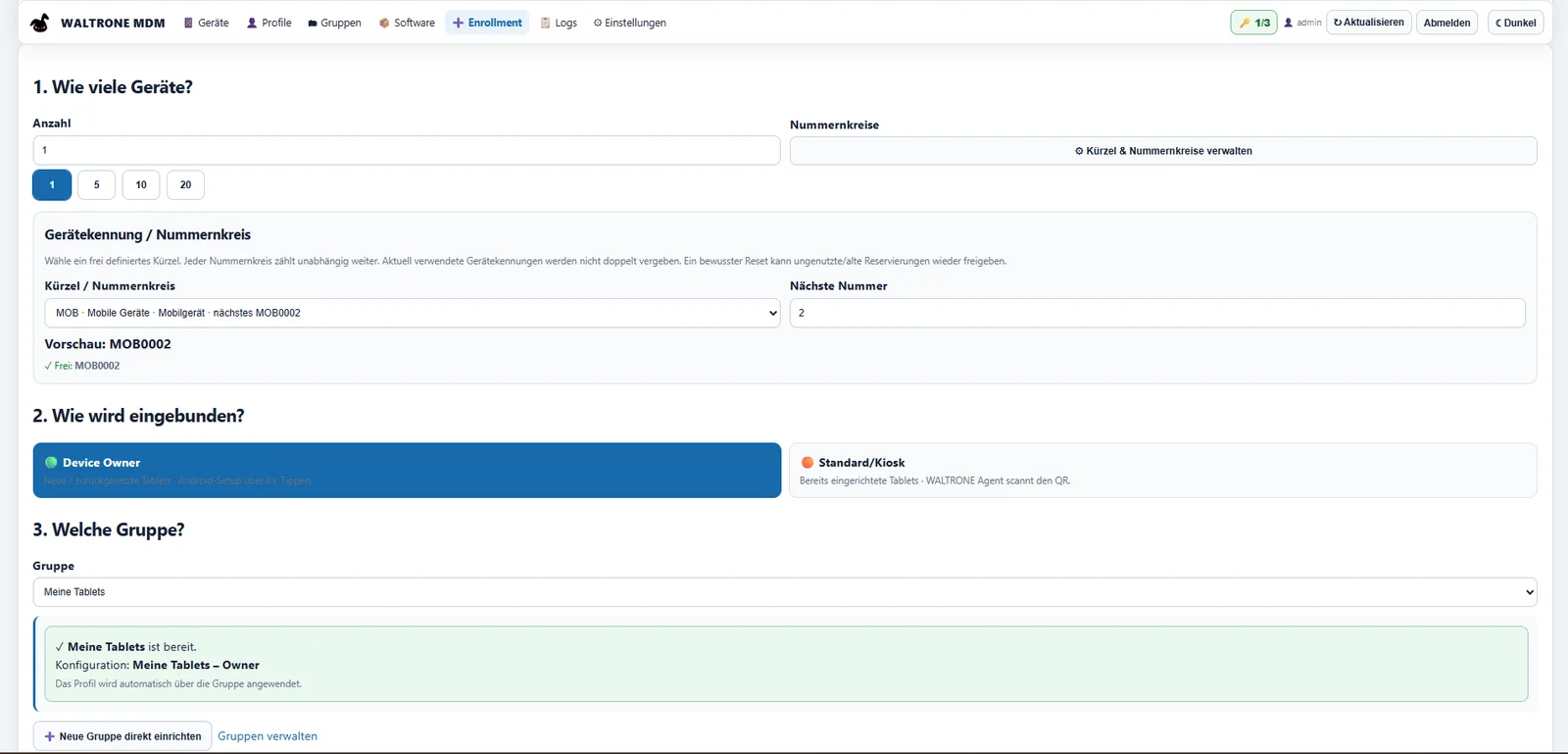
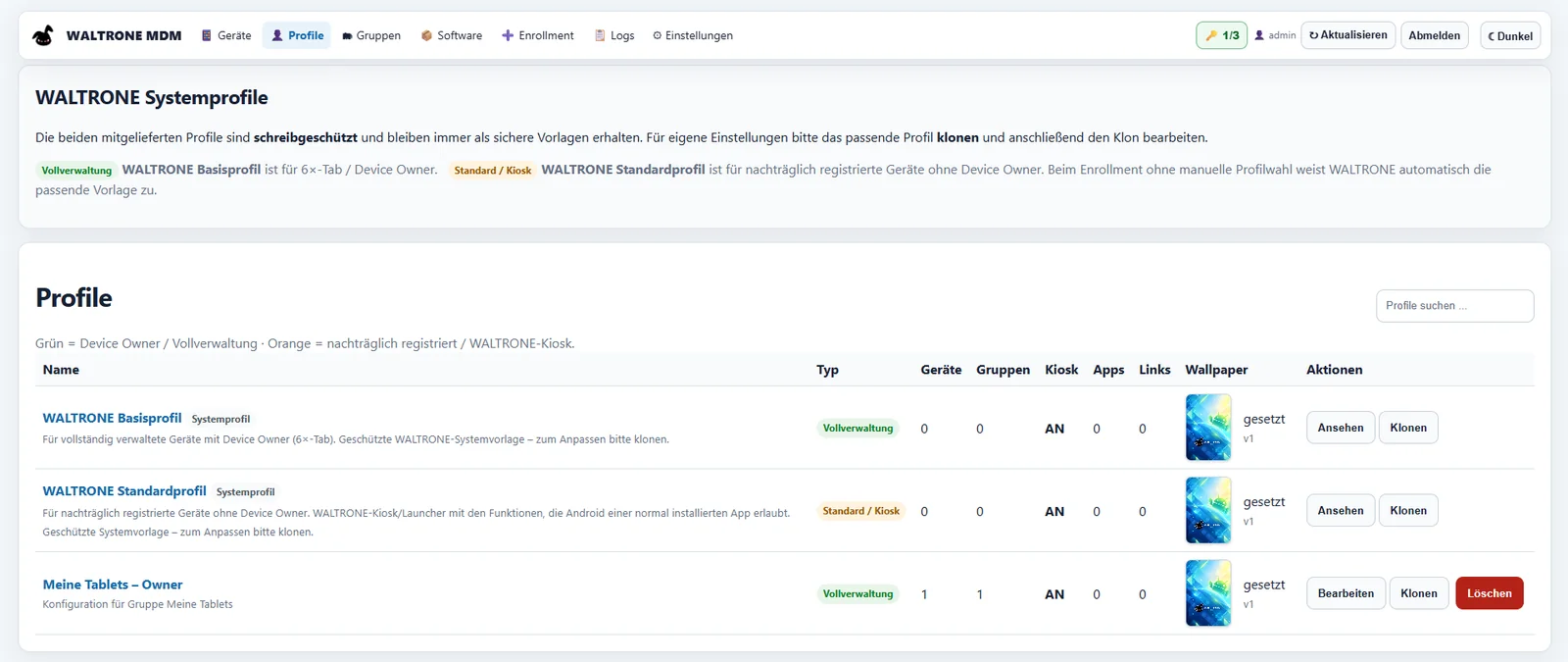
From the first QR code to everyday kiosk operation, WALTRONE MDM lets you manage Android tablets and their profiles from a clear, web-based dashboard.
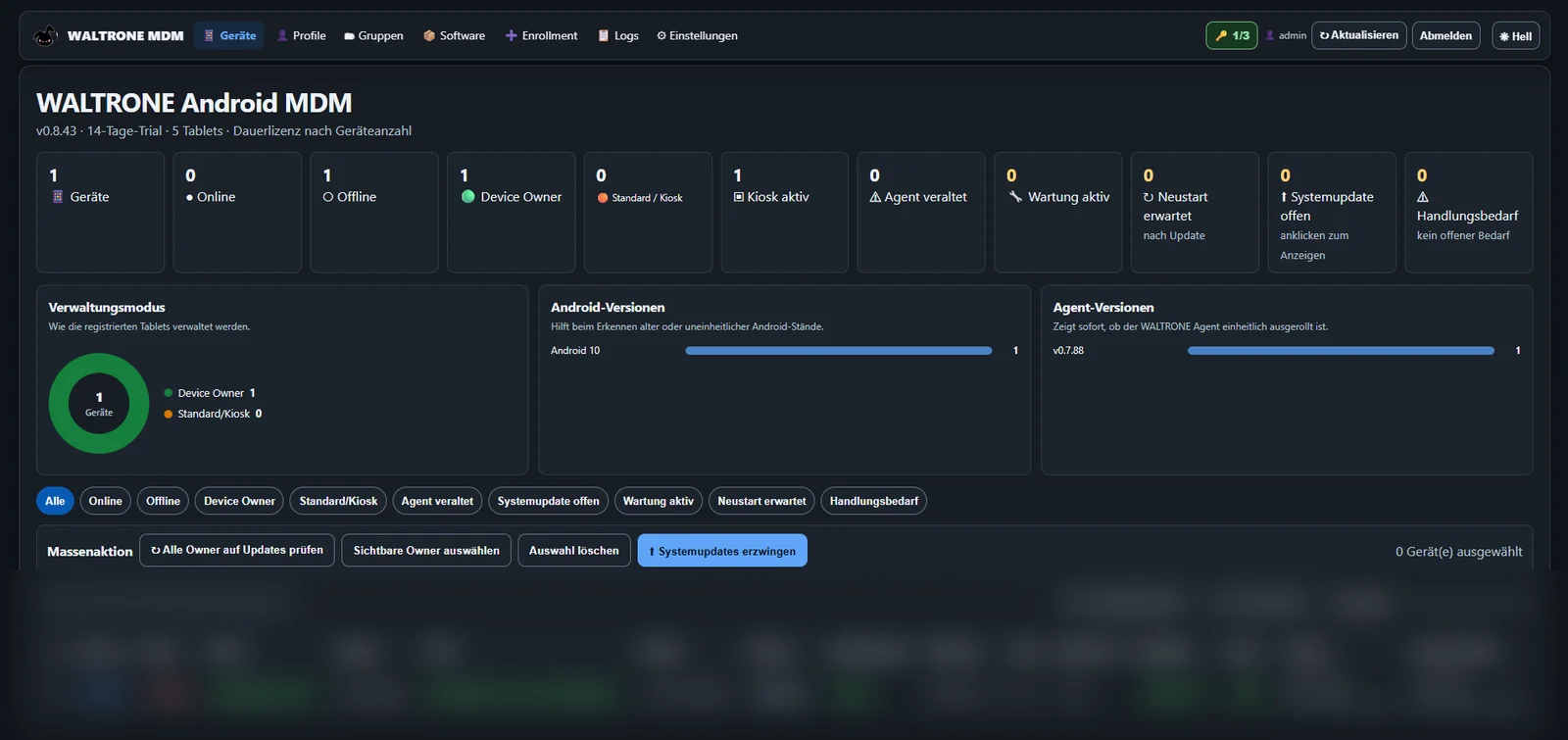
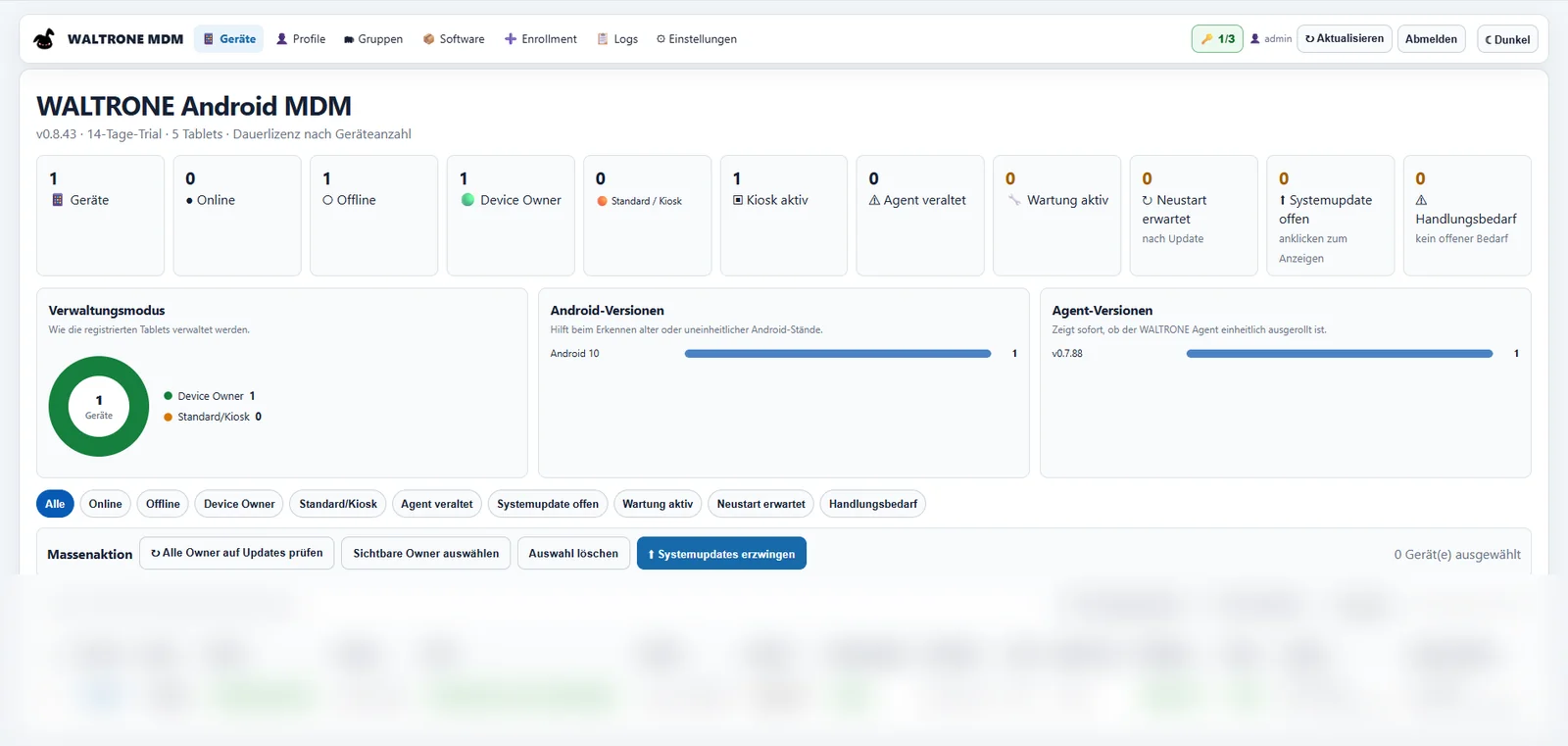
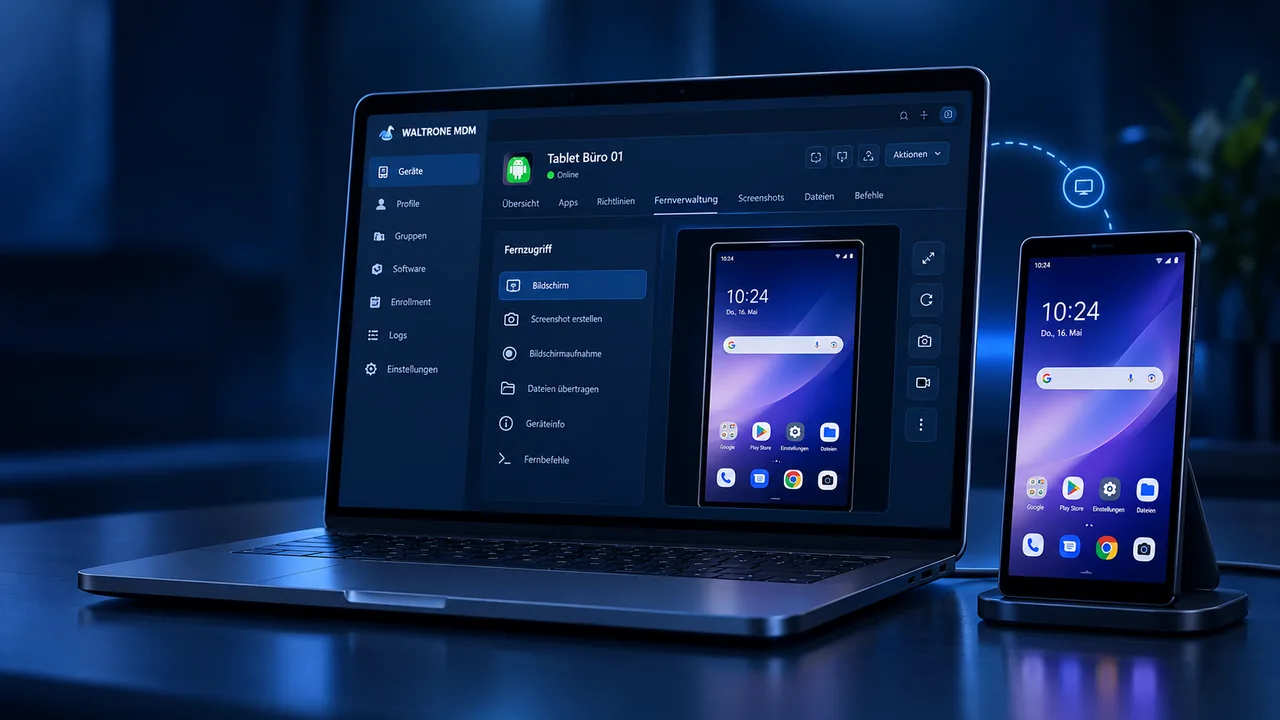
The clear dashboard brings together device status, management mode and software versions.
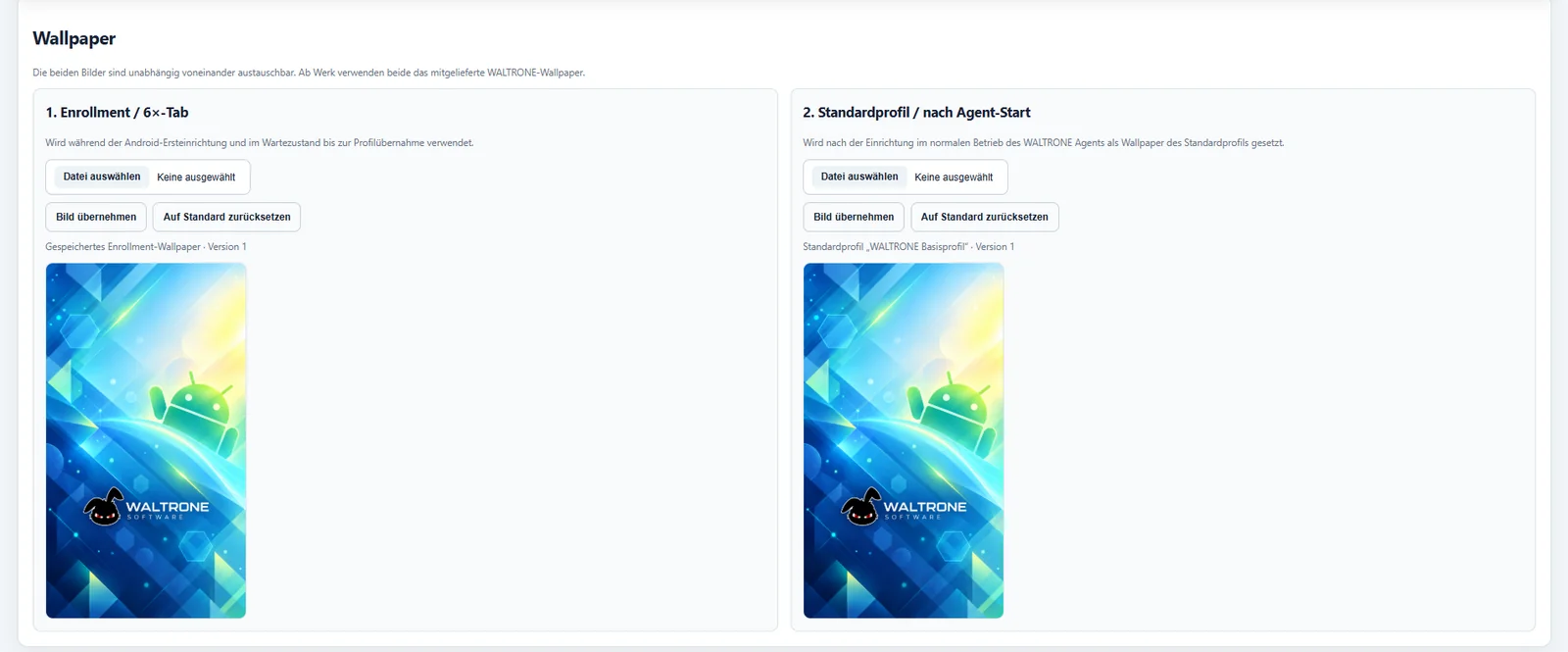
Preview of WALTRONE MDM device management · Click to enlarge · Swipe sideways for more details
The current administration interface and the screenshots are in German.
Access device information, supported remote commands and messaging from one web dashboard. Screenshots are also possible on compatible Android devices with the required Android permissions.
Screenshots and system actions depend on the Android version, permissions and device management mode.
Send messages from the central dashboard.
A clean interface for day-to-day administration.
Enrollment, profiles and status in one place.
Apply settings centrally using profiles.
Roles, license checks and device-specific features.
The Windows administration application manages your devices centrally. The Android agent connects tablets to WALTRONE MDM. The Windows Store release is being prepared; the Android agent APK is already available.
Install the administration software on your Windows PC or server to manage devices, profiles, groups and the enrollment of new tablets.
Microsoft Store · Link coming soon ↗We will link to the Windows administration app in the Microsoft Store once it is published. The download is not yet available.
New to WALTRONE MDM? Open the step-by-step setup guide ↗
The agent runs on your Android tablets. Download the APK from our website when needed, then select it in the administration app’s enrollment wizard.
Download Android agent ↓Fixed filename: waltrone-mdm-agent.apk. Check its version and signature before use; installing the APK alone does not provision Device Owner mode.
Planned setup process: Install the Windows administration app, generate a new QR code and enroll the Android device during a supported initial setup process. Device Owner features require appropriate Android provisioning. The agent download is available; update and signature checks remain necessary before deployment.
The trial begins when the license status is first initialized on a new installation. After it expires, saved data and enrolled tablets remain intact, while administrative features are restricted.