
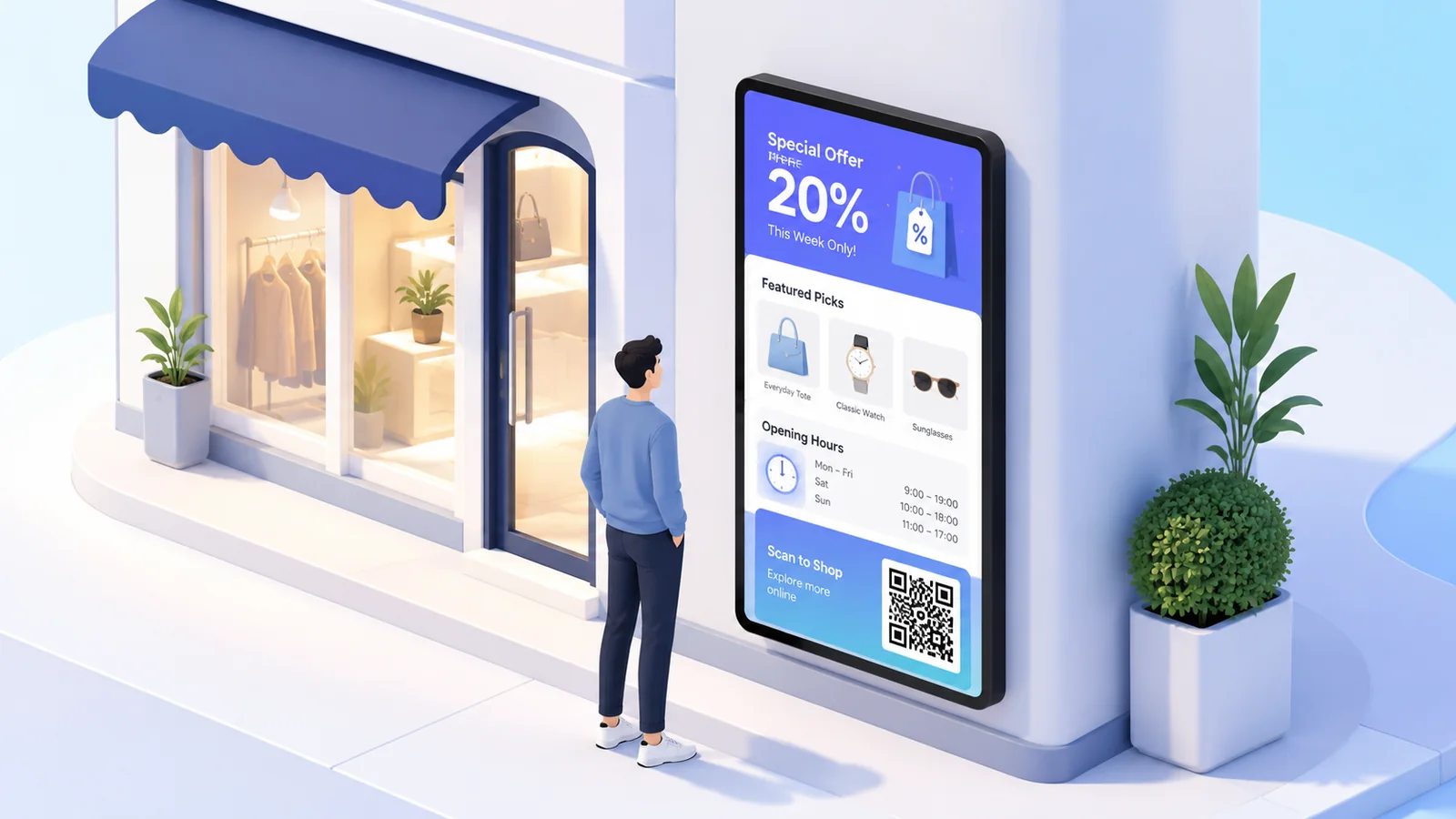
Retail
Show offers, promotions, QR codes and campaigns directly in the sales area or shop window.
Show offers, notices, images, videos, QR codes, room bookings and interactive content on TVs, monitors, touchscreens or kiosks. Standalone is designed for a quick local setup, while Network manages multiple players centrally inside the same local network.
Pricing: Trial 0 € · Standalone 149 € one-time · Network 349 € one-time including 3 players. No monthly software fee.
WALTRONE Signage Suite fits wherever content should stay visible, current and easy to maintain.
Show offers, promotions, QR codes and campaigns directly in the sales area or shop window.
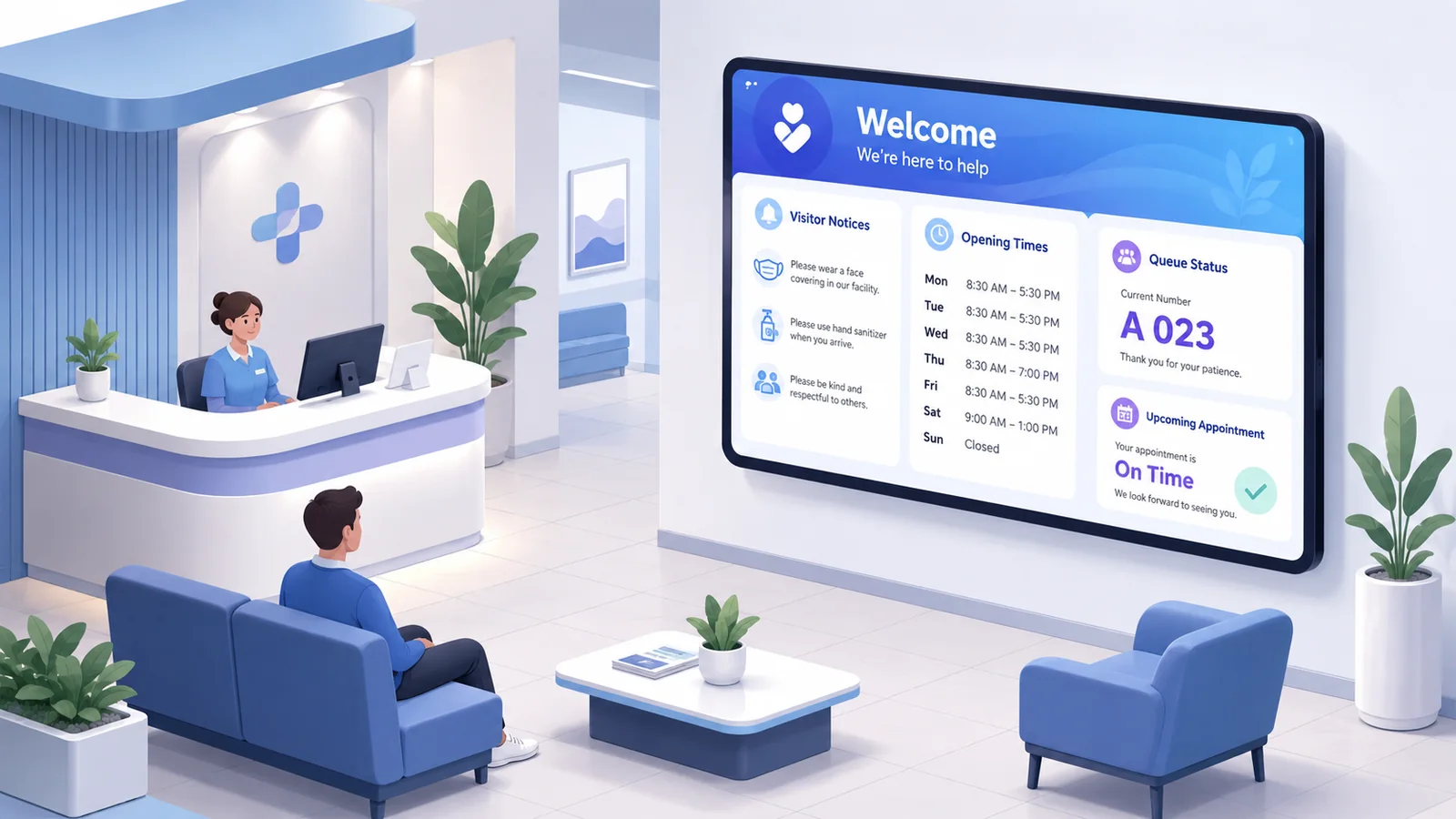
Present notices, greetings, appointments and internal information clearly.
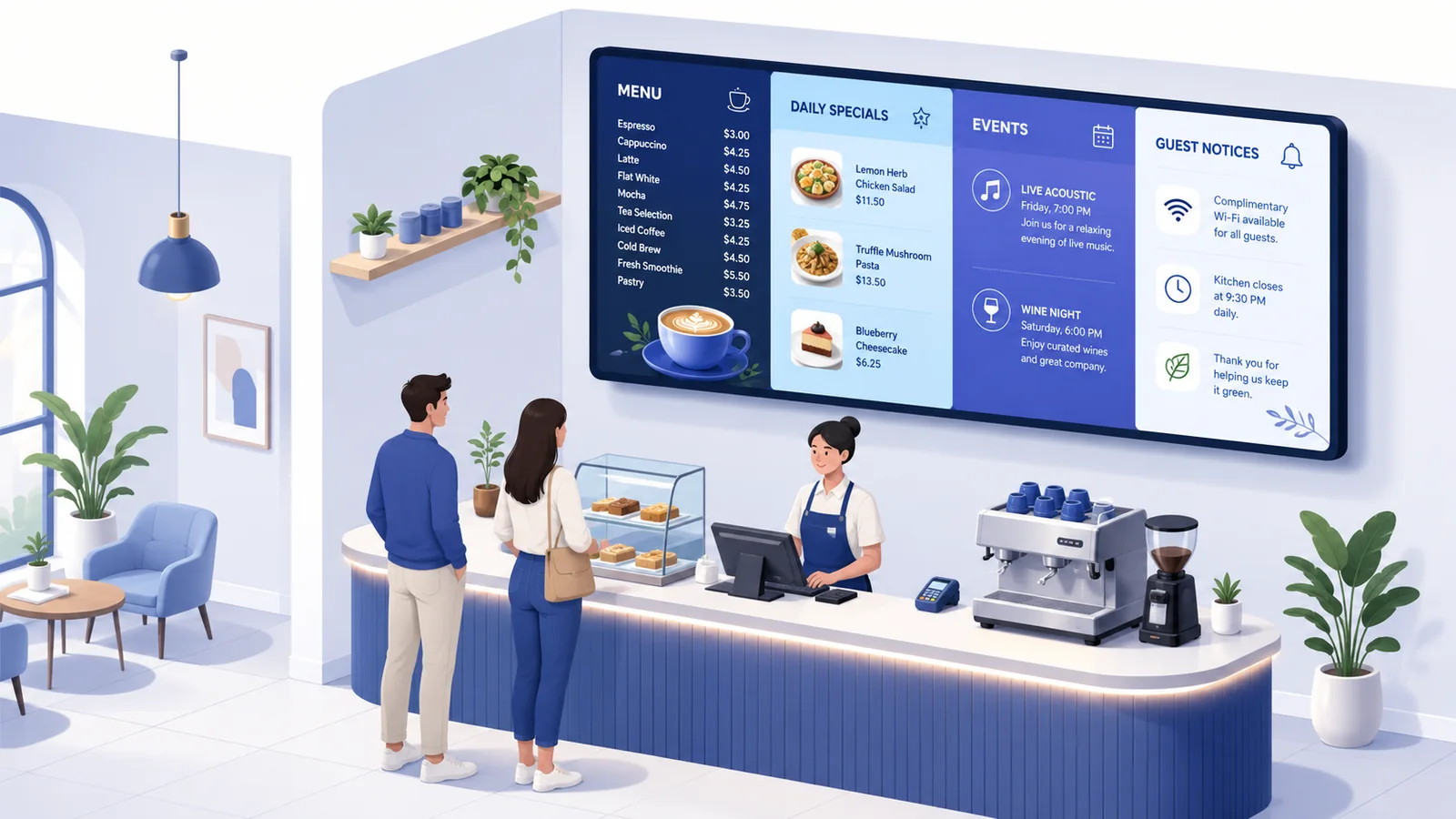
Update digital menus, daily specials and food boards quickly.
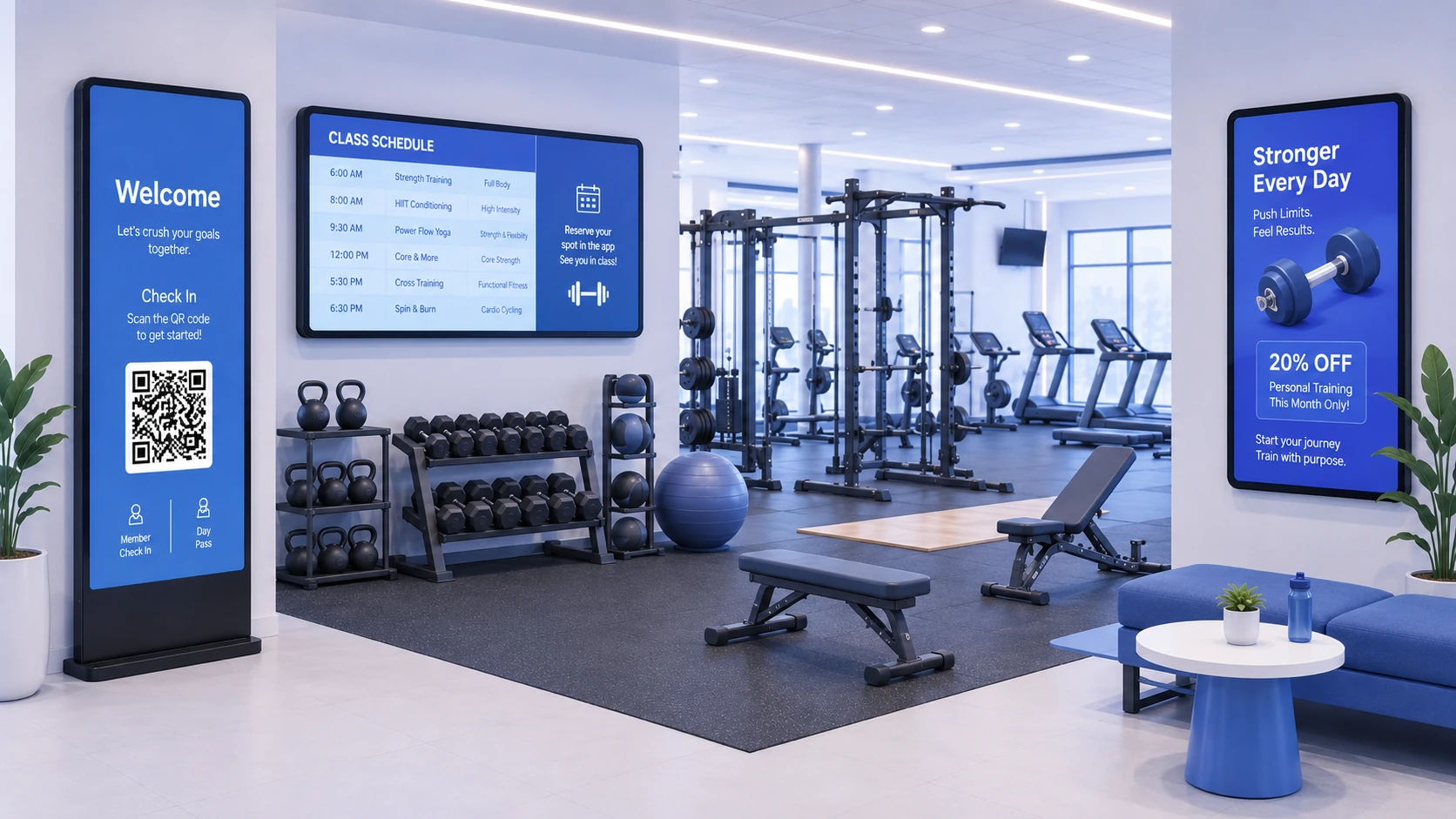
Show schedules, instructions, notices and internal communication in a structured way.
Use an existing display, prepare your content and review the output directly on site.
Download the Standalone version on Windows and test it free for 30 days.
Combine images, videos, prices, time, QR codes or other information in a few steps.
Use the display locally or, with the Network edition, manage multiple players centrally.
The most important areas of WALTRONE Signage Suite, explained in a compact way and shown with real software screenshots.

Design boards, menu boards and similar formats can be edited directly inside the software without complicated external steps.
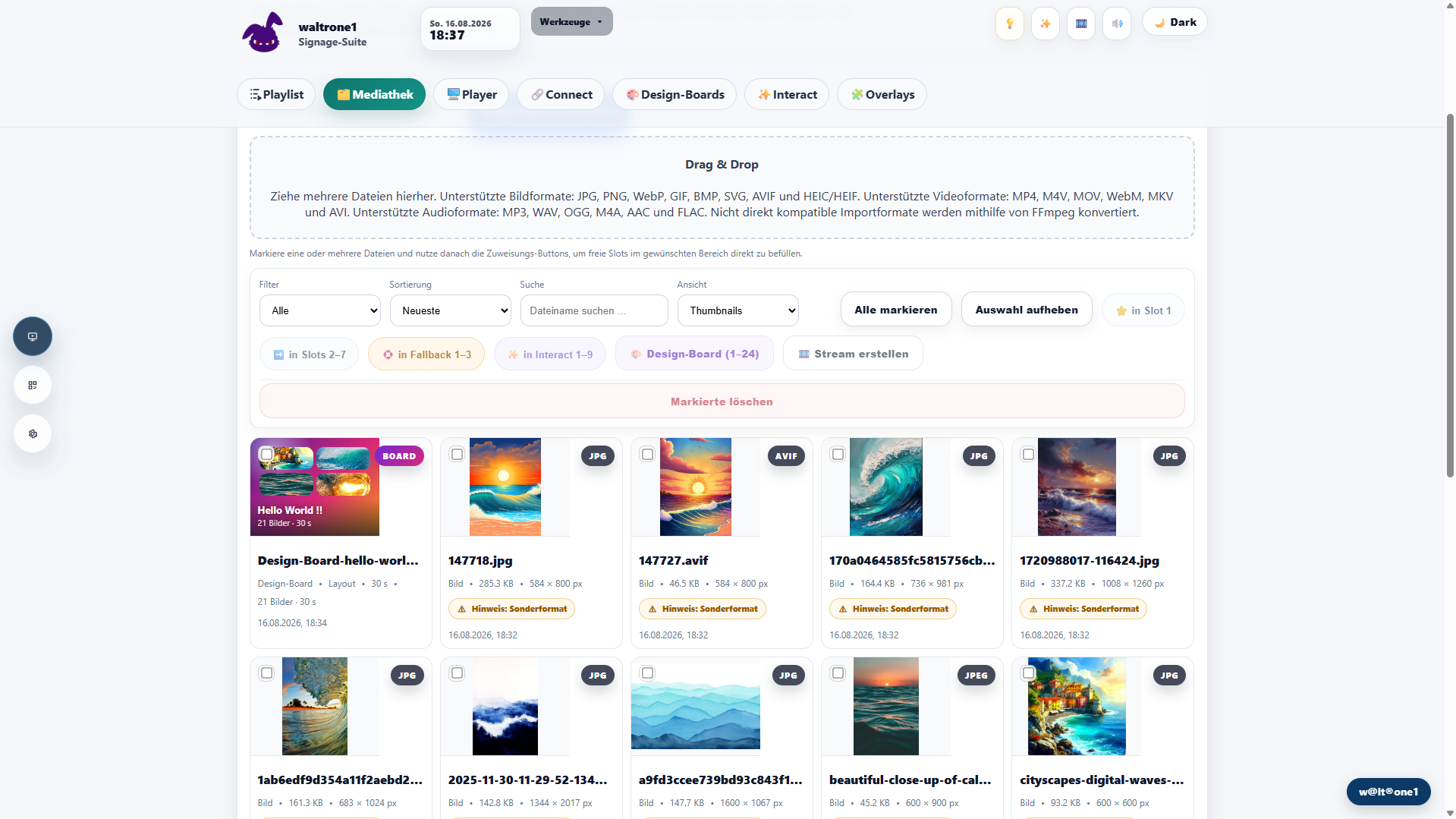
Images, videos and other assets can be managed, assigned and automated through schedules.
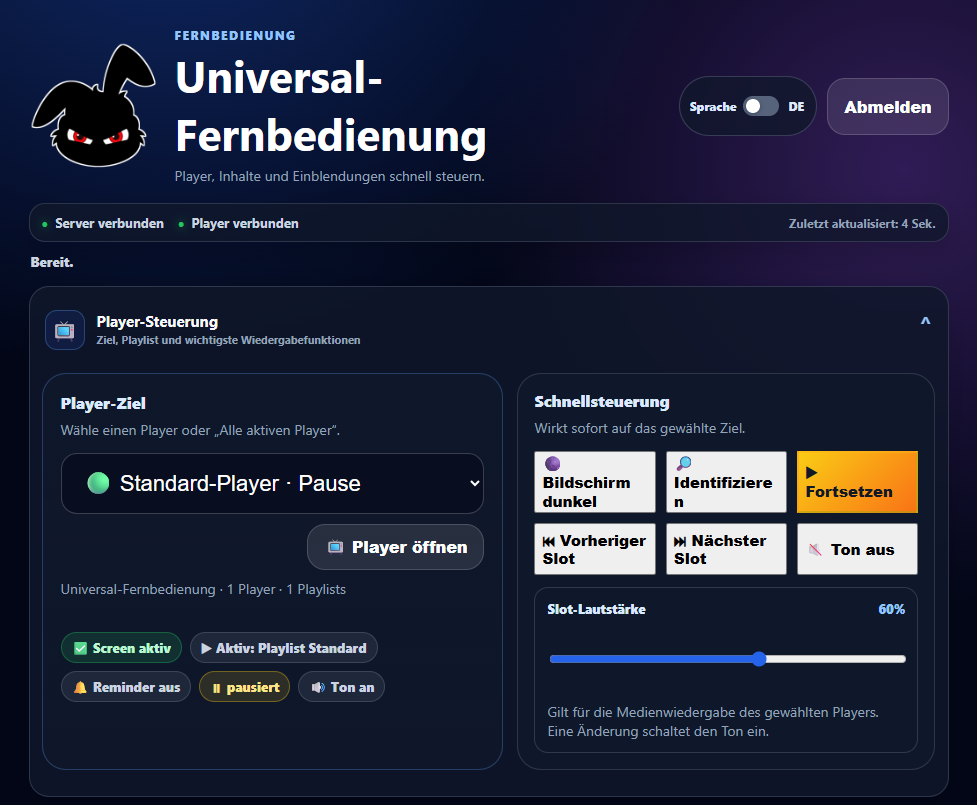
Depending on the setup, content can be influenced from a smartphone, players can be controlled and interactive display views can be prepared.
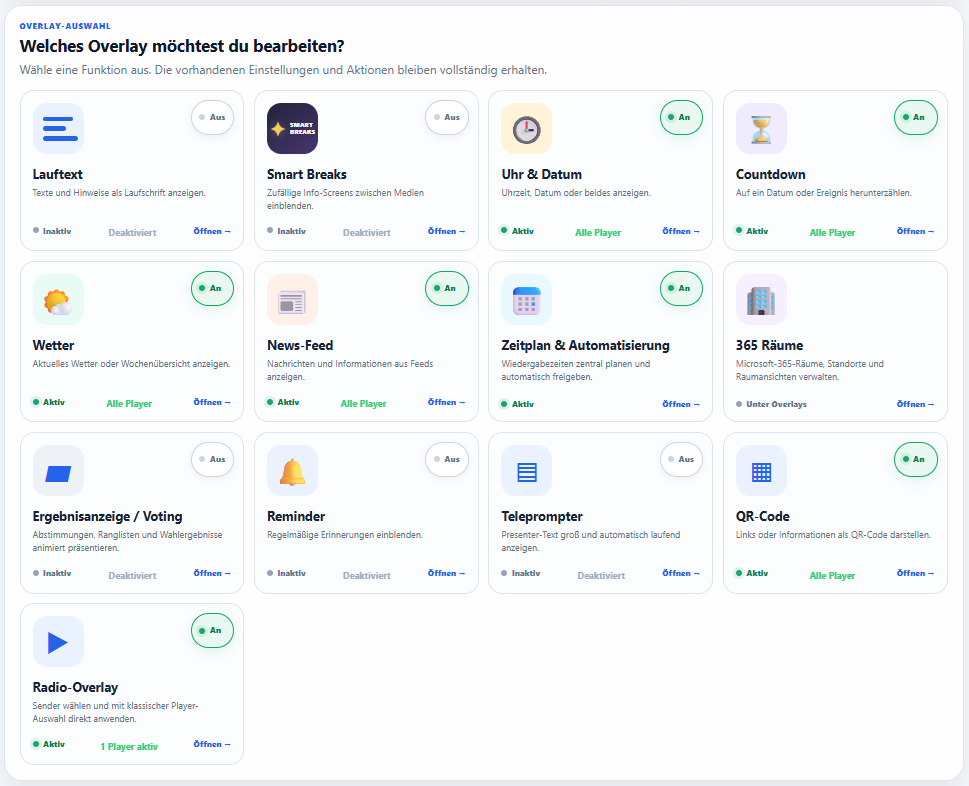
Extra information does not need to take over the whole screen. It can appear as an overlay or supporting area.
Three selected features in short presentations, with matching thumbnails that play on demand.
Explore stickers and visual effects for engaging displays.
Watch on YouTubeWhen several displays should work together, the Network edition provides one clear overview – from rooms and players to playlists and status views.
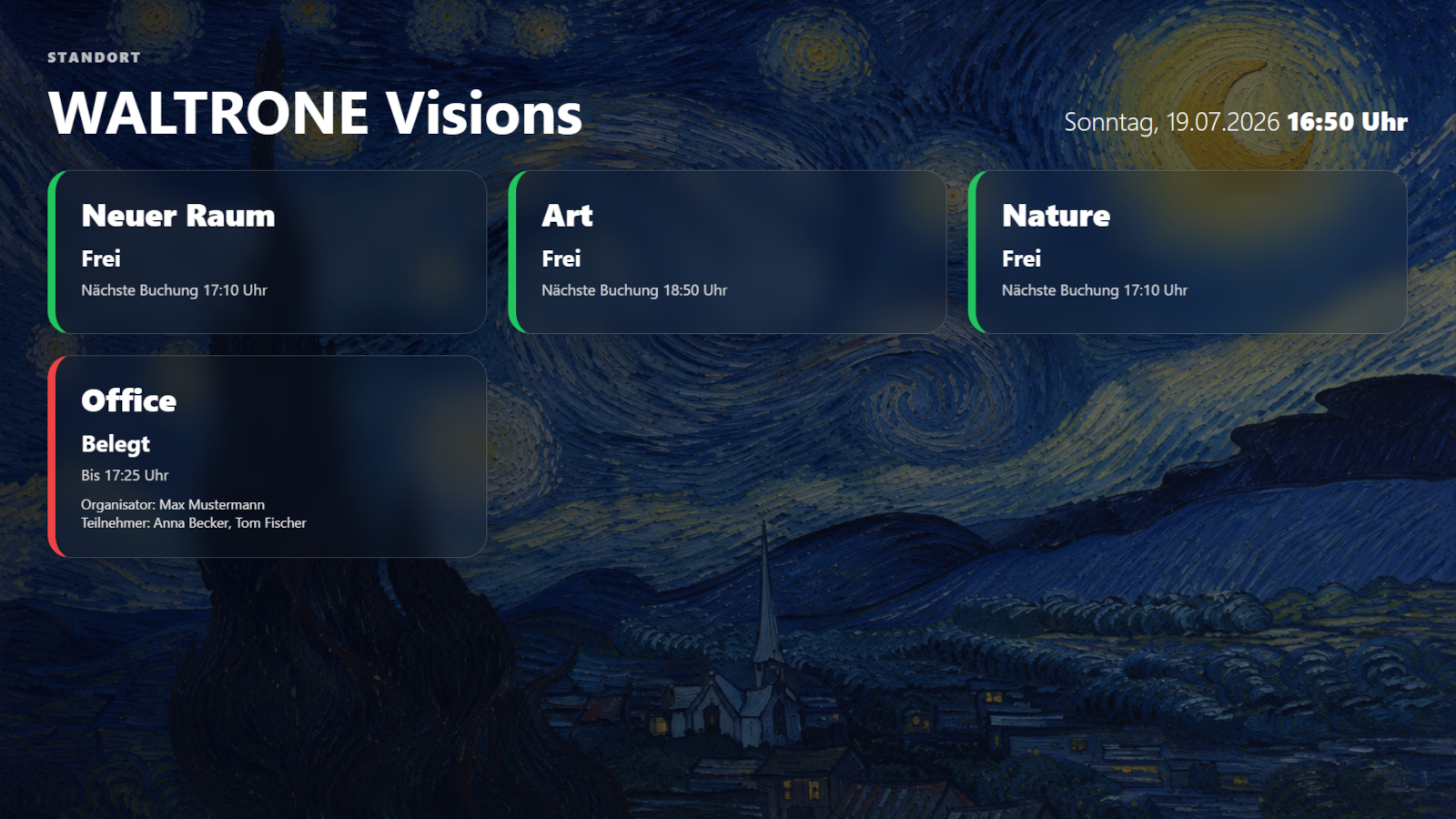
The Network edition is built for multiple areas, separate playlists and central management – including Microsoft 365 room information.
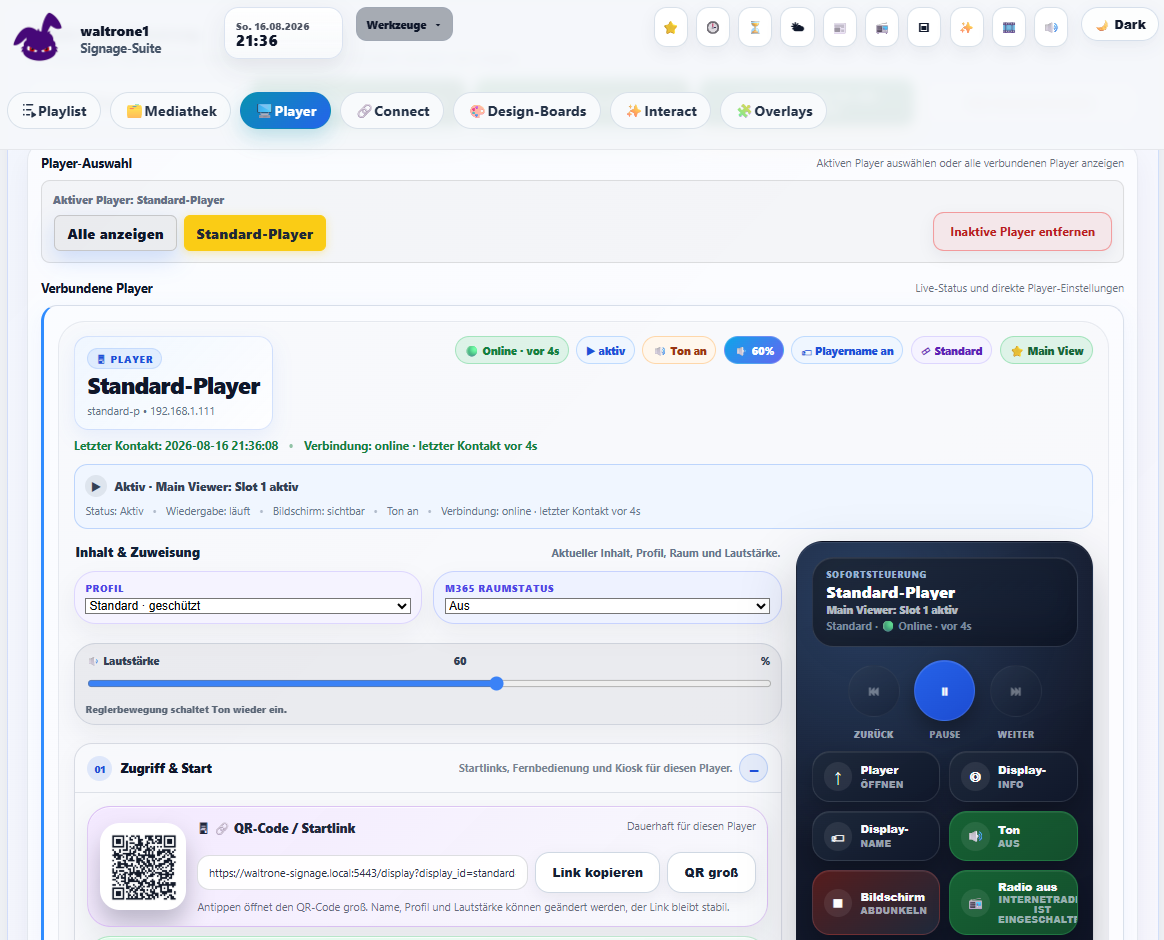
Organise displays and their Windows devices clearly and control them centrally.
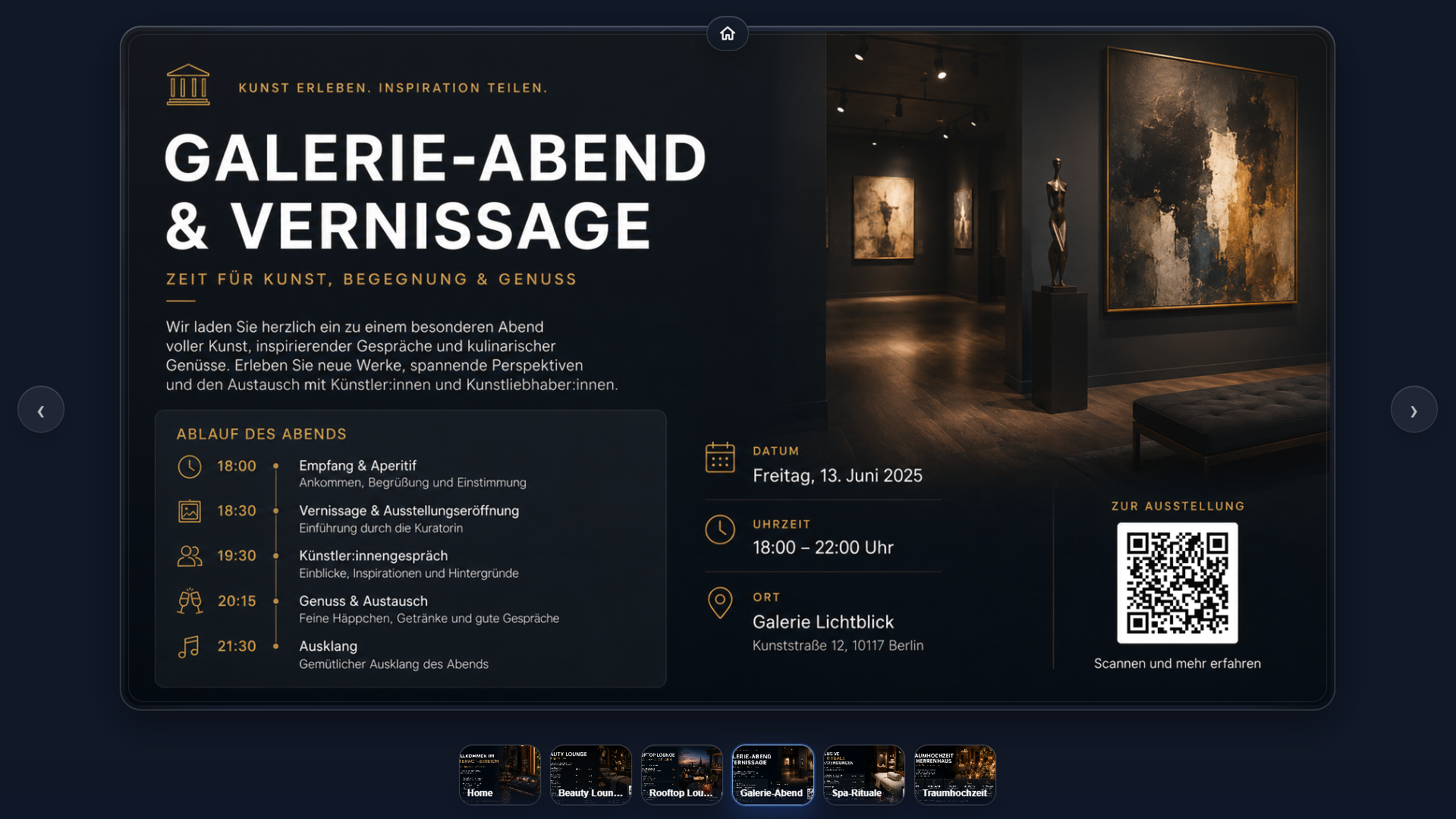
From the management interface to the final output – without dark decorative frames and without cropped previews.
Whether you need setup help, prepared media, hardware advice or a larger network scenario, many steps can be planned together and fitted to your environment.
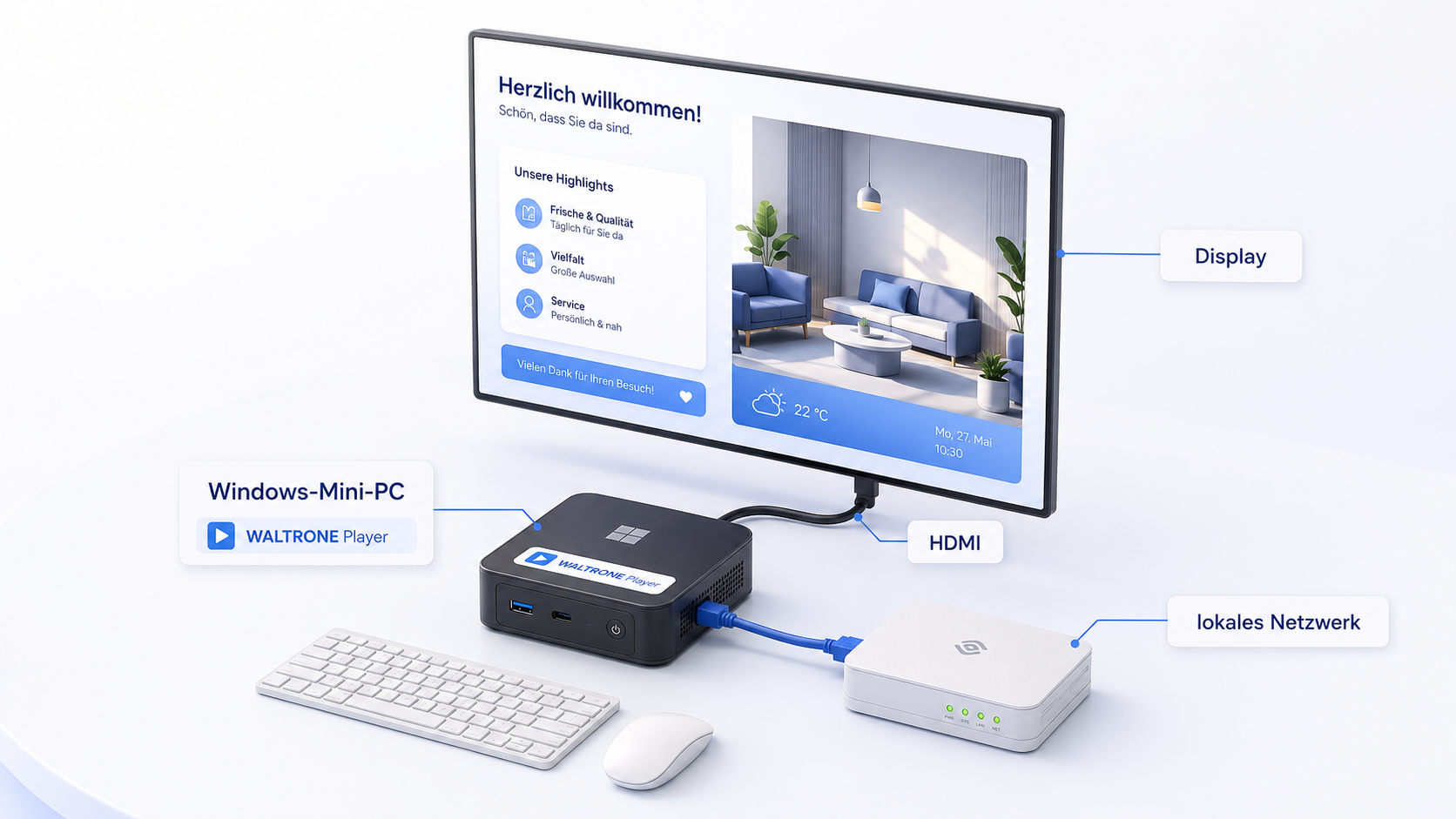
The most important pricing information is visible right away. Everything else can be discussed personally if needed.
Test the Standalone edition on Windows with your own content.
For one Windows device with its own display – for example shop window, reception or a single information screen.
For several displays and areas with central management inside the local network.
The Standalone version can be downloaded from Microsoft Store and tested for 30 days with your own content.
The Standalone edition costs 149 € one-time and is intended for one licensed Windows device.
The Network edition costs 349 € one-time and includes 3 players. Additional players are regularly 69 € one-time.
No. The regular Standalone and Network licences currently have no monthly software fee.
A player is a Windows device or agent that actually outputs content on a display. A pure administration server does not count.
Yes. Support with setup, media, hardware or special requirements is available on request.
Yes. Especially in the Network edition, players, areas and content can be organised separately.
More extensive information, guidance and practical notes are available in the WALTRONE documentation.
Start with the trial or send a short request for Standalone, Network or setup support.