
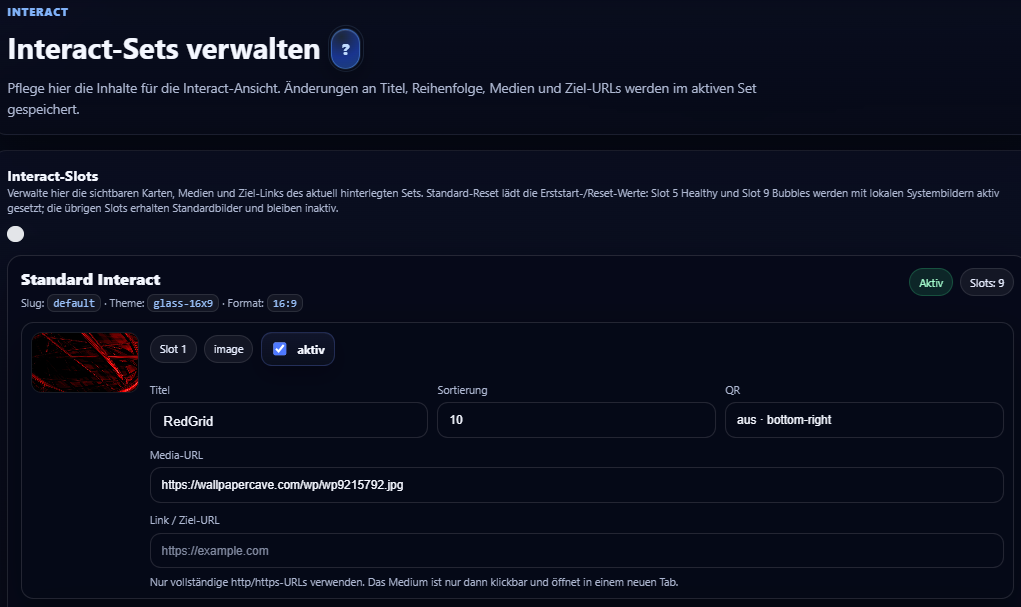
Interact sets and slots
An Interact set groups related content. Fill the slots with the desired media, then test the output on the touchscreen or connected device.
Create interactive sets for touchscreens, visitor terminals and QR-assisted operation.
Interact is designed for content visitors can actively select or tap — for example on a touchscreen or through a QR connection. You create an Interact set and fill its slots.
An Interact set groups related content. Fill the slots with the desired media, then test the output on the touchscreen or connected device.
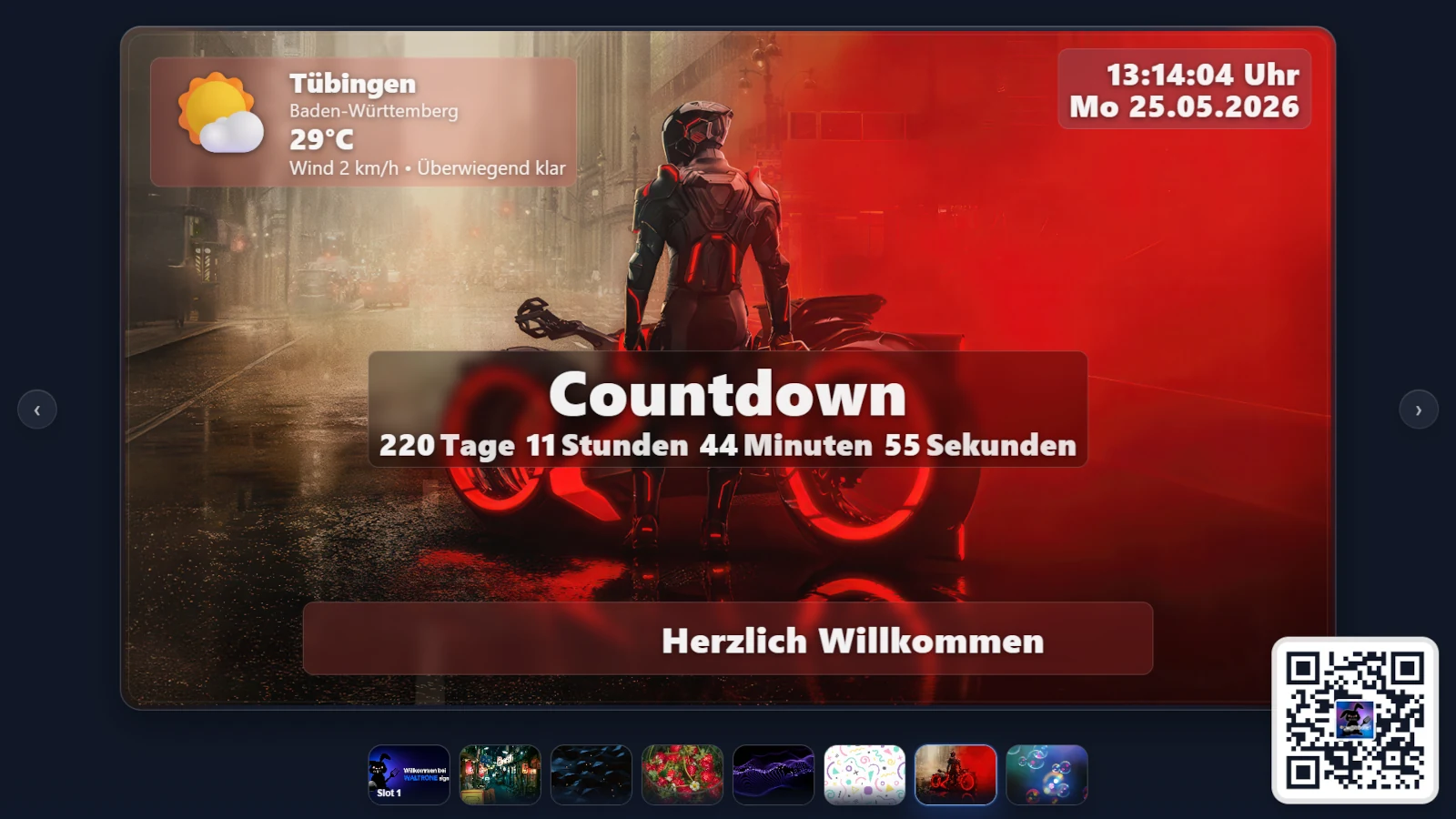
Always test operation on the real target device. Buttons should be easy to reach and text should remain readable from a normal viewing distance.
Interact can run together with multiple Overlays. A Reminder can be targeted specifically to Stream, Interact or both.